Board, hay and the farrier
Monthly board as a repeating invoice, with hay, extras like deworming, and a card fee added the same way every month.
Invoicing · Kagen Invoice
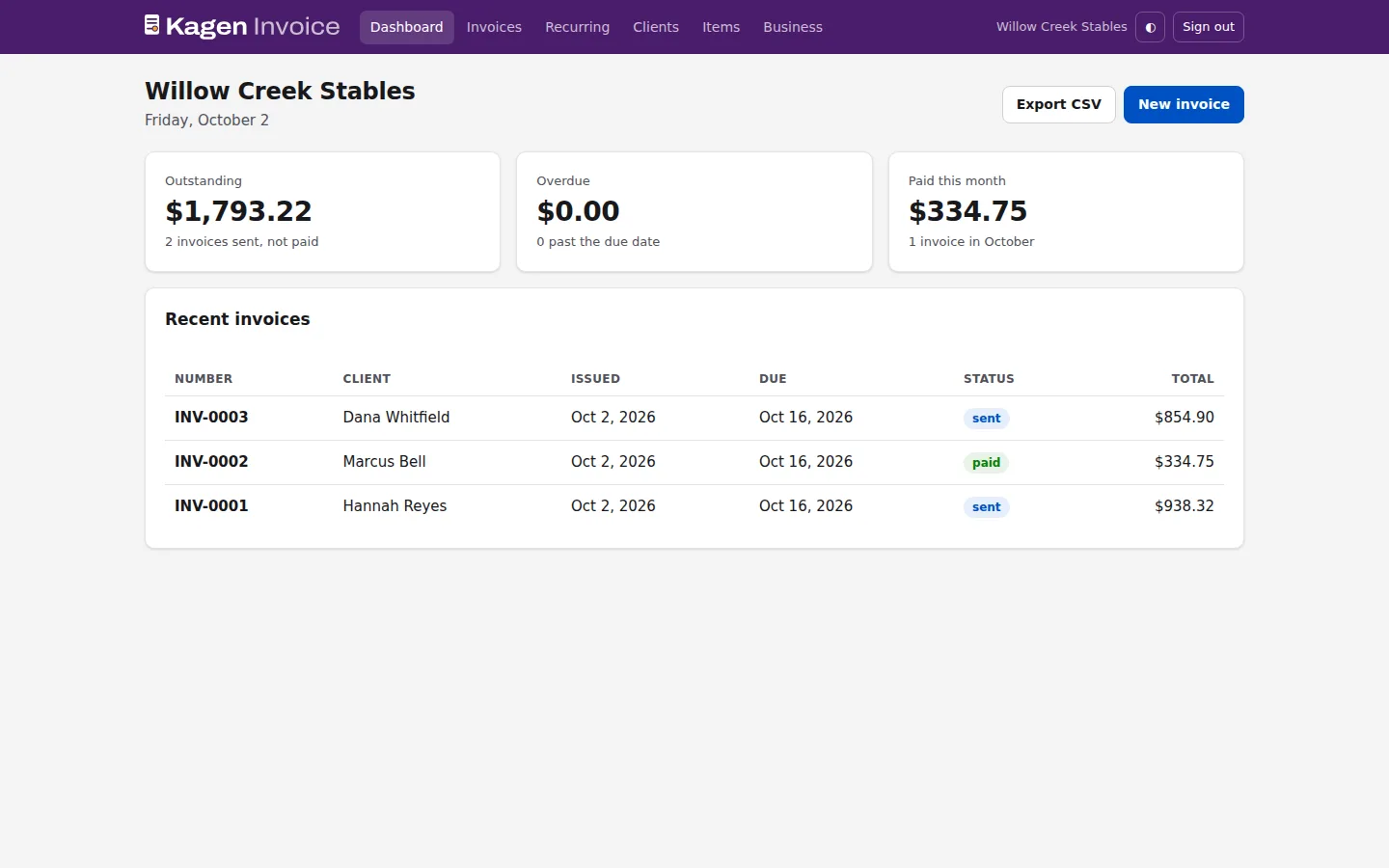
Kagen Invoice puts your own name and logo on every invoice, emails the PDF and a private link your client can open on any phone, and shows what's outstanding, overdue and paid this month. It signs in with your Kagen Cloud account.
In preview for Kagen Cloud clients
Questions? Call 817-422-8663 and talk to the person who runs it.
Who it's for
Monthly board as a repeating invoice, with hay, extras like deworming, and a card fee added the same way every month.
Line items with quantities, a discount for a good customer, and a PDF that looks like your business.
Outstanding and overdue at a glance, and a CSV for your accountant at the end of the month.
Features
Your logo, address and payment instructions on every invoice and email.
Save clients and the things you charge for, then pick them in a click.
Per-line or whole-invoice discounts, named extras, and a processing fee charged after the discount.
Email the PDF from the app, or copy a private link that needs no account.
Mark an invoice as monthly and generate next month's drafts in one click.
Numbered invoices, a history of sends and payments, and a CSV export.
Pricing
No. They get the PDF by email and a private link to view or download it.
Not yet. Your payment instructions, like Venmo or a check, go on every invoice.
As a percentage of the total after any discount, including extras. It's never charged on tax or on itself.
Yes. Kagen Invoice uses your Kagen Cloud account.
Call 817-422-8663 or send a request. A person answers, usually the same day.